←Home/Templates/HR/Employee Emergency Contact Form

Employee Emergency Contact Form

HR Onboarding Resource

Keep a reachable contact on file with an employee emergency contact form for HR and people operations. Collect the employee’s identifying information, primary and alternate contacts, relationships, phone numbers, and any limited medical-note the employee chooses to share for emergencies. Store it with the personnel record and refresh it at onboarding and after life events. This is an HR record, not a medical file—avoid collecting extra health details you do not need.
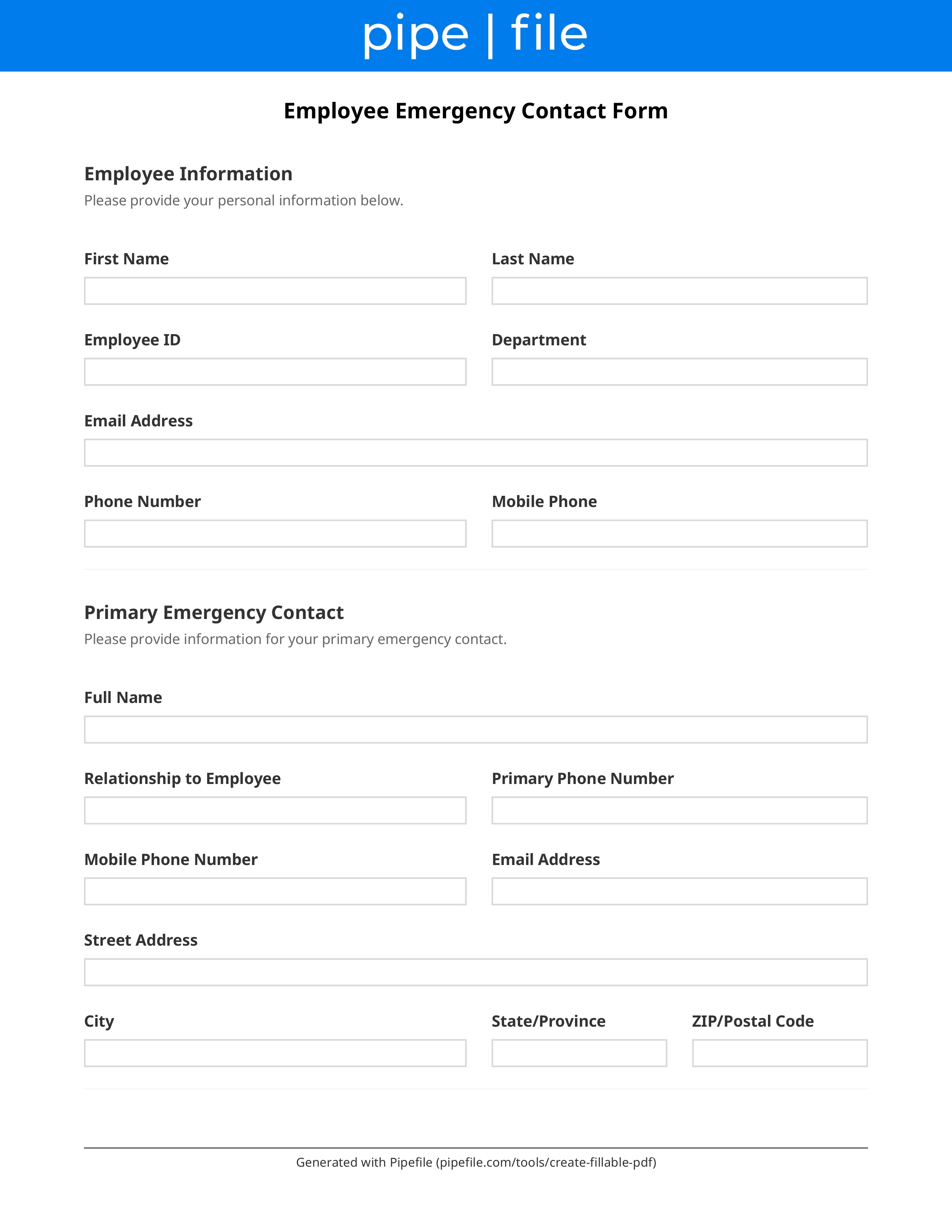
Employee Emergency Contact Form form template preview

Key Benefits

Record a primary emergency contact and phone
Add a backup contact if the primary is unreachable
Capture relationship and after-hours numbers
Keep the form with the personnel file
Refresh contacts after life events
Avoid collecting unnecessary medical details

Common Use Cases

New-hire onboarding packetsAnnual HR data refreshEmployees updating contacts after a moveField or travel roles needing after-hours contactsSmall employers without HRIS emergency fieldsRehires confirming contacts still current

Frequently Asked Questions

How many contacts should we collect?
Collect at least one primary contact with a phone number. A second contact is useful if the primary cannot be reached. Ask for relationship and whether the contact may be called after hours.
Should the form include medical information?
Only if the employee volunteers a brief note they want first responders or a manager to know, and only if you have a policy for storing it. Do not turn this into a medical questionnaire. Keep medical records separate when they exist.
Who can see emergency contacts?
Limit access to HR and managers who would need to place a call. Do not publish contacts on a shared directory without a business need.
How often should we update the form?
At hire and whenever the employee reports a change. Many employers also confirm contacts during annual open enrollment or a handbook acknowledgment cycle.

Checklist

Employee

Employee legal name, department, and work location or remote flag
Required

Include employee ID if you use one.

Employee personal phone for after-hours reach-back

Separate from the emergency contacts.

Primary

Primary emergency contact legal name
Required

Person to call first.

Primary contact relationship to the employee
Required

Spouse, partner, parent, friend, or other.

Primary contact phone and alternate phone
Required

Mobile preferred; note time zone if remote.

Backup

Secondary contact name, relationship, and phone

Used if the primary cannot be reached.

Notes

Optional employee-provided emergency note

Keep minimal; do not request diagnoses.

Execution

Employee signature and date confirming contacts are current
Required

Update when any contact changes.