←Home/Templates/HR/Employee Benefits Enrollment Form

Employee Benefits Enrollment Form

HR and Benefits Enrollment Resource

Capture benefit elections with an employee benefits enrollment form for HR and benefits administrators. Collect the employee’s identifying information, plan-year elections (medical, dental, vision, and other offerings), dependent and beneficiary details, and a signed acknowledgment of the elections and payroll deductions. Pair it with plan summaries and COBRA or other notices as required. Plan rules and Section 125 timing are specific to your wrap document—this is not benefits or tax advice.
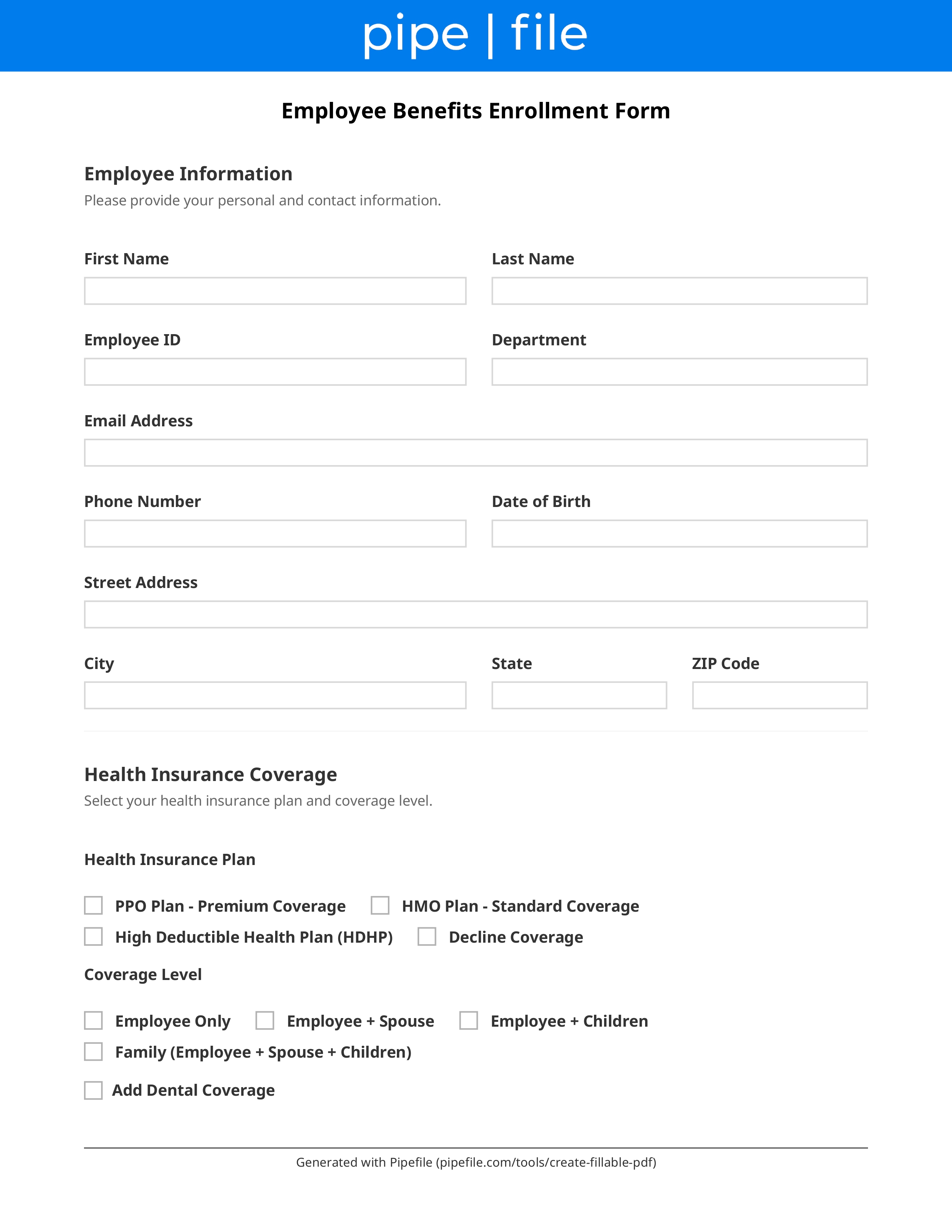
Employee Benefits Enrollment Form form template preview

Key Benefits

Record medical and ancillary plan elections
Collect dependent names, birth dates, and SSNs as needed
Capture primary and contingent beneficiaries
Document payroll-deduction authorization
Keep a signed election for the plan year
Support open enrollment and new-hire windows

Common Use Cases

New-hire benefits window after first dayAnnual open enrollment electionsQualifying life-event mid-year changesAdding or dropping dependentsLife and disability beneficiary updatesEmployers moving from paper to a standard PDF

Frequently Asked Questions

What elections belong on the form?
List each offering for the plan year: medical, dental, vision, FSA/HSA, life, disability, and any voluntary plans. Include waive options and the employee cost per pay period if you show pricing on paper.
Which dependent fields are typically required?
Name, relationship, date of birth, and often SSN or tax ID for carrier enrollment. Collect only what the carrier and plan require. Gender and tobacco fields appear on some medical enrollments.
When can employees change elections?
Cafeteria-plan election changes are limited to open enrollment and permitted mid-year events under the plan document and IRS rules. This form does not grant extra change rights. Confirm current Section 125 rules with your advisor.
Is this a COBRA notice?
No. Enrollment records who is covered. Loss of coverage still needs separate COBRA or state continuation notices. Use the COBRA notification checklist for that file.

Checklist

Employee

Employee name, ID, hire date, and coverage effective date
Required

Match HRIS and payroll.

Elections

Plan-year elections or waivers for each offering
Required

Medical, dental, vision, and other lines you sponsor.

Dependents

Dependent legal names, relationships, and dates of birth

SSN or ITIN if the carrier requires it.

Marriage, birth, or other event documents for dependents

Often required to add a spouse or child mid-year.

Beneficiaries

Life and AD&D beneficiary names and percentages

Primary and contingent; percentages should total 100%.

Payroll

Payroll-deduction authorization for employee premiums
Required

Pre-tax vs post-tax as the plan provides.

Notices

Acknowledgment that SPD or benefit summaries were provided

Keep the version date with the election.

Execution

Employee signature and date of election
Required

Required to process coverage and deductions.